Overview#
Echo is a Mac app that sits in the menu bar. It does two things. It records my meetings and writes notes for them. And it lets me dictate into any app by holding a key. I built it this year with Claude and Codex.
The problem#
Before this I used Granola for meeting notes and Wispr Flow for dictation. Both are good tools. My problem was my laptop. I have a MacBook Air with 16 GB RAM. With Granola taking notes and Wispr Flow running in the background, the Mac got so hot during calls that I could not even share my screen. The screen share would stop within two minutes because the Mac was overheating.
There were two smaller issues. Granola does not keep the audio recording of the call. And both tools send my data to their cloud.
Both tools do the same basic job, which is turning speech into text. So I built one app that does both. It is light when it is not in use, it keeps the recording, and everything stays on my laptop.
What I wanted#
- Everything on the Mac. Transcription, speaker names and summaries all run on the laptop. There are three cloud options, but each one is off until I turn it on, and it tells me what it will send.
- It starts on its own. If I have to remember to press record, I will forget.
- Notes as normal files. Notes are saved as Markdown files in a folder. I can open them in any app.
- Light when not in use. The big speech models load only when it is recording or transcribing.
How a meeting becomes notes#
- It notices the call. Echo checks which apps are using the microphone. If it is a call app like Zoom, Meet, Teams, Slack, WhatsApp or FaceTime, it starts recording.
- It records two tracks. One for my microphone and one for the computer audio. This way it always knows what I said and what the other people said.
- It transcribes on the Mac. A fast model shows live text during the call. After the call it runs again, with the fast model or a bigger and more accurate one.
- It finds who spoke. It separates the voices of the other people and compares them with voices it already knows. People I have met before get their name.
- It names the meeting. It reads my calendar on the Mac to get the meeting title and the attendees.
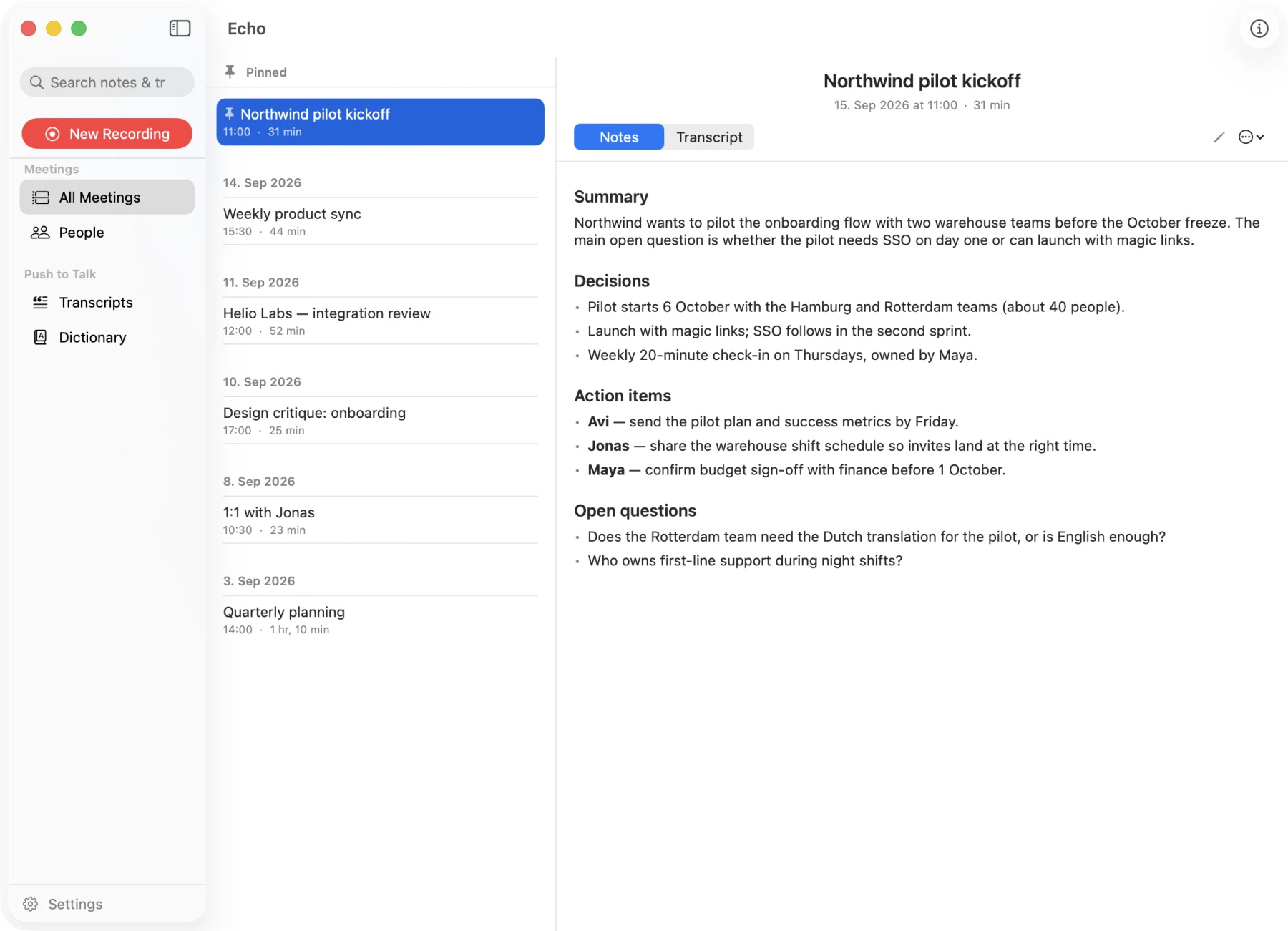
- It writes the notes. A small language model on the laptop writes the summary, decisions, action items and open questions.
- It saves. Notes and transcript are saved as files and can be searched. The audio is deleted after 14 days.
Meetings#
The main window is a list of meetings on the left and the selected meeting on the right. Notes open first, because that is what I need most of the time.
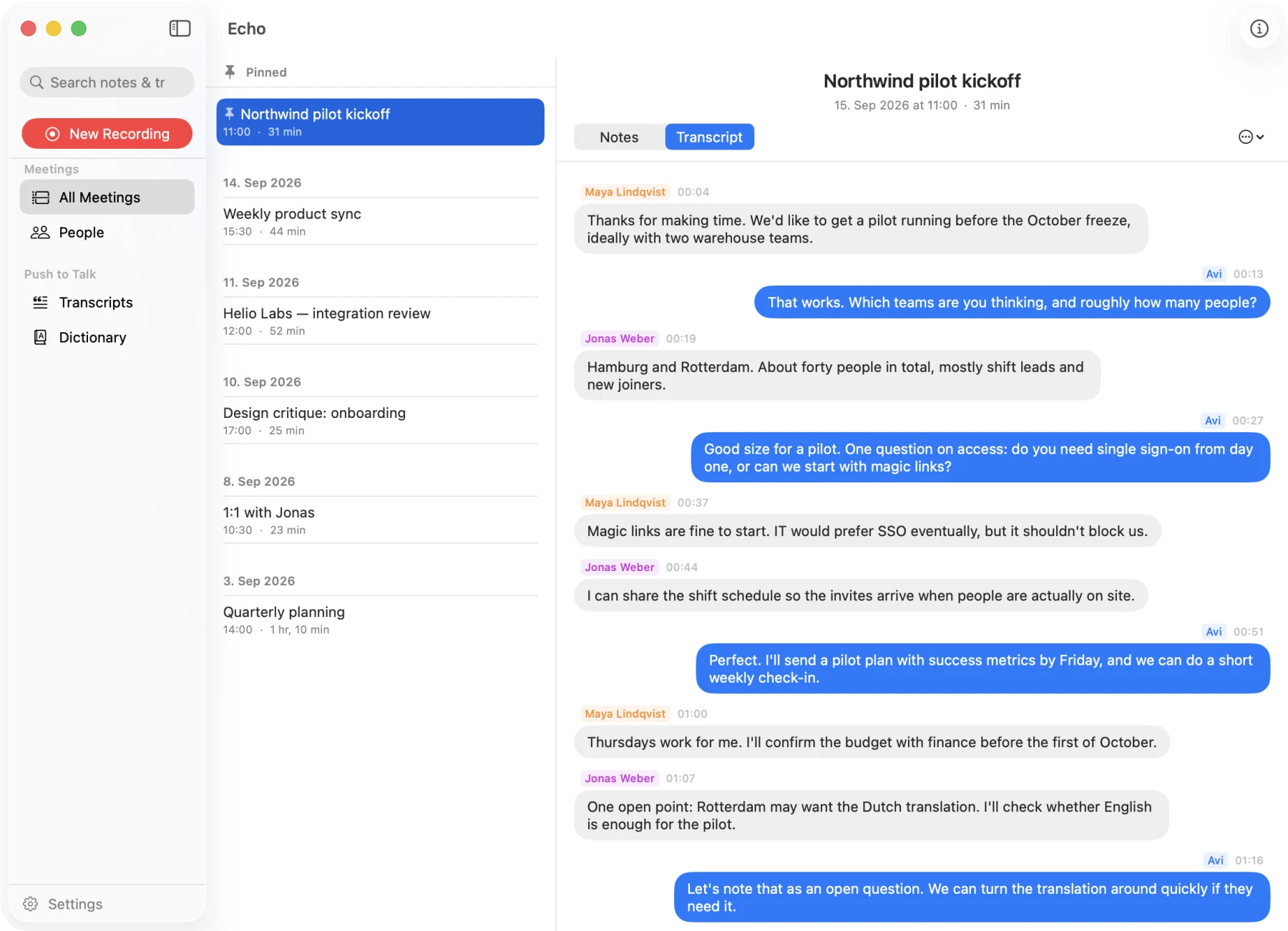
Sentences from the same speaker are joined into one block, so it reads like a normal conversation.
People
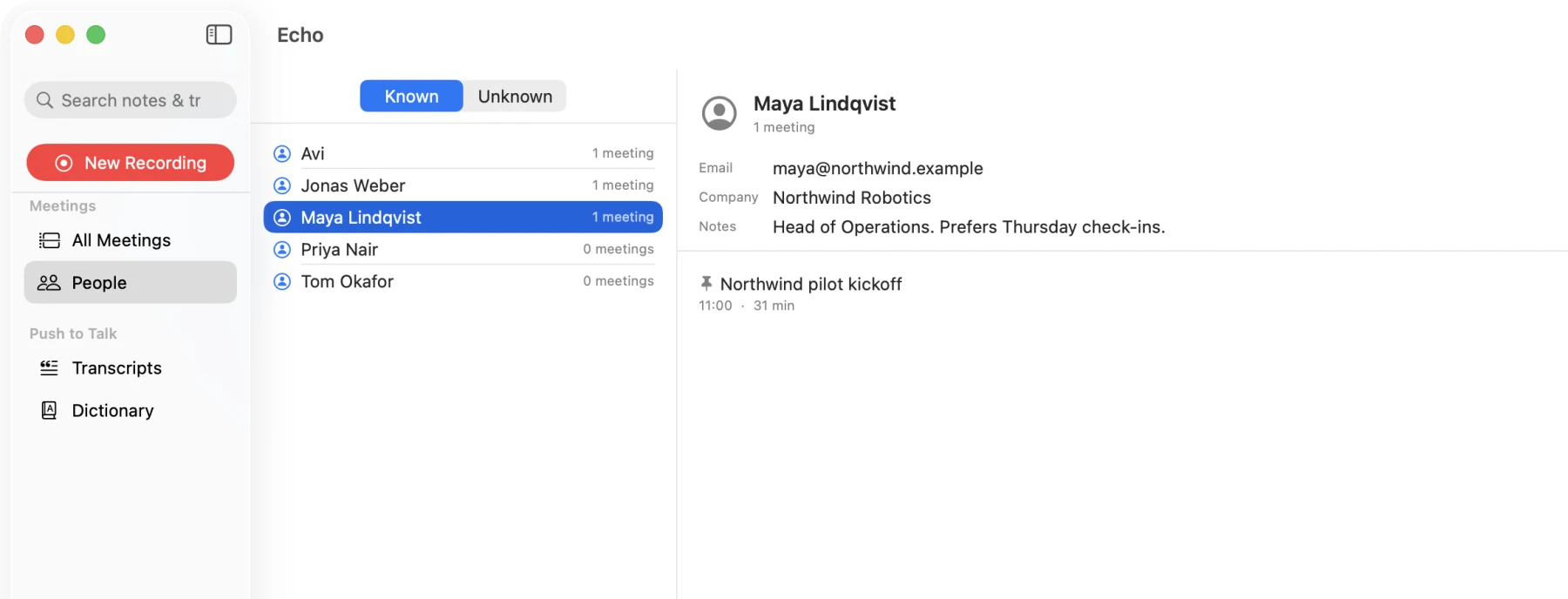
Every voice Echo learns becomes a person, and I can see all the meetings they were in. If it does not know a voice, it asks me after the meeting. It also picks up names from the conversation, for example when someone says “thanks, Priya”.
What counts as a meeting
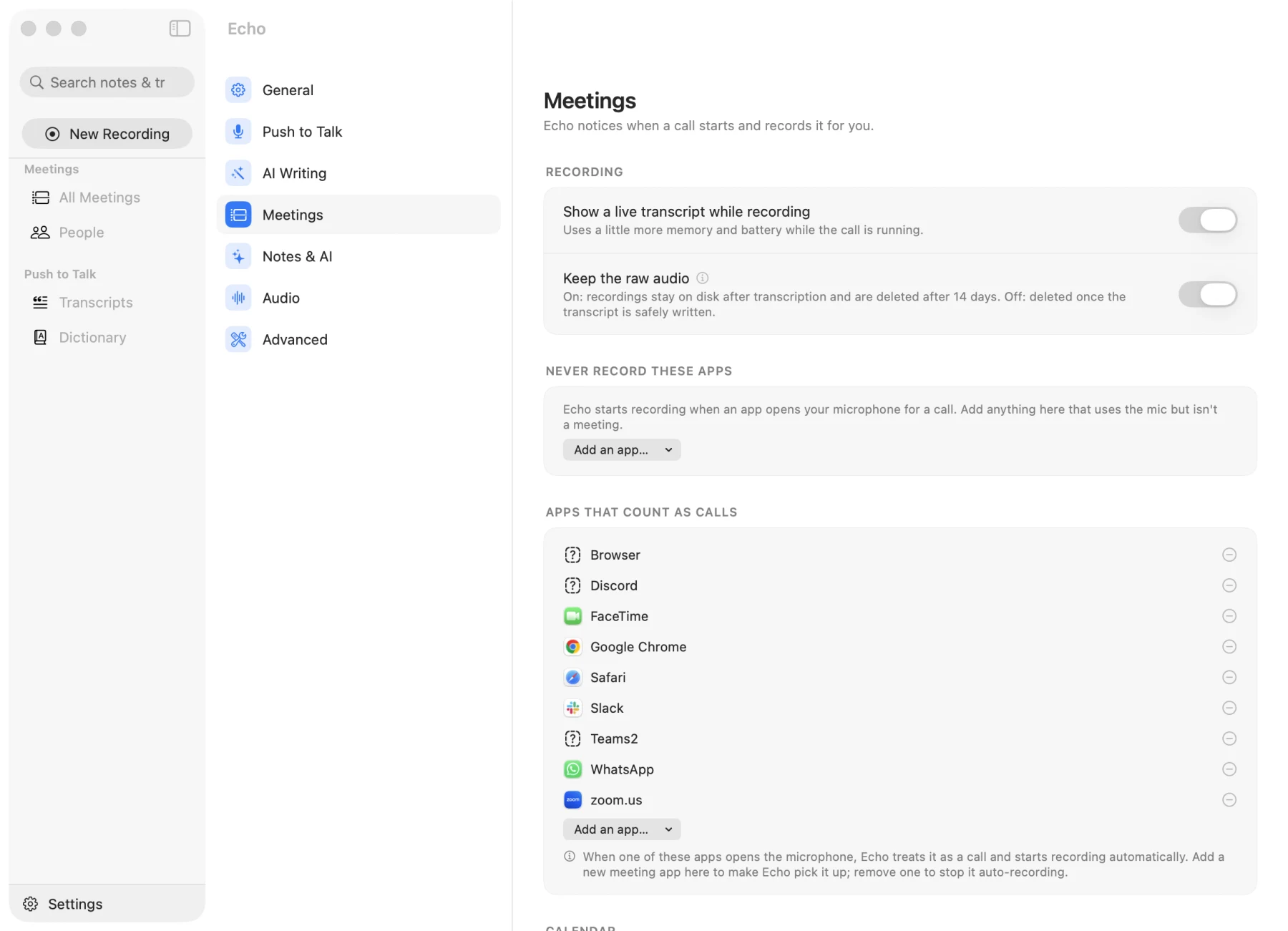
Echo only starts recording for apps that are on my list of call apps. I can add or remove apps, and there is a second list of apps it should never record.
Push to talk#
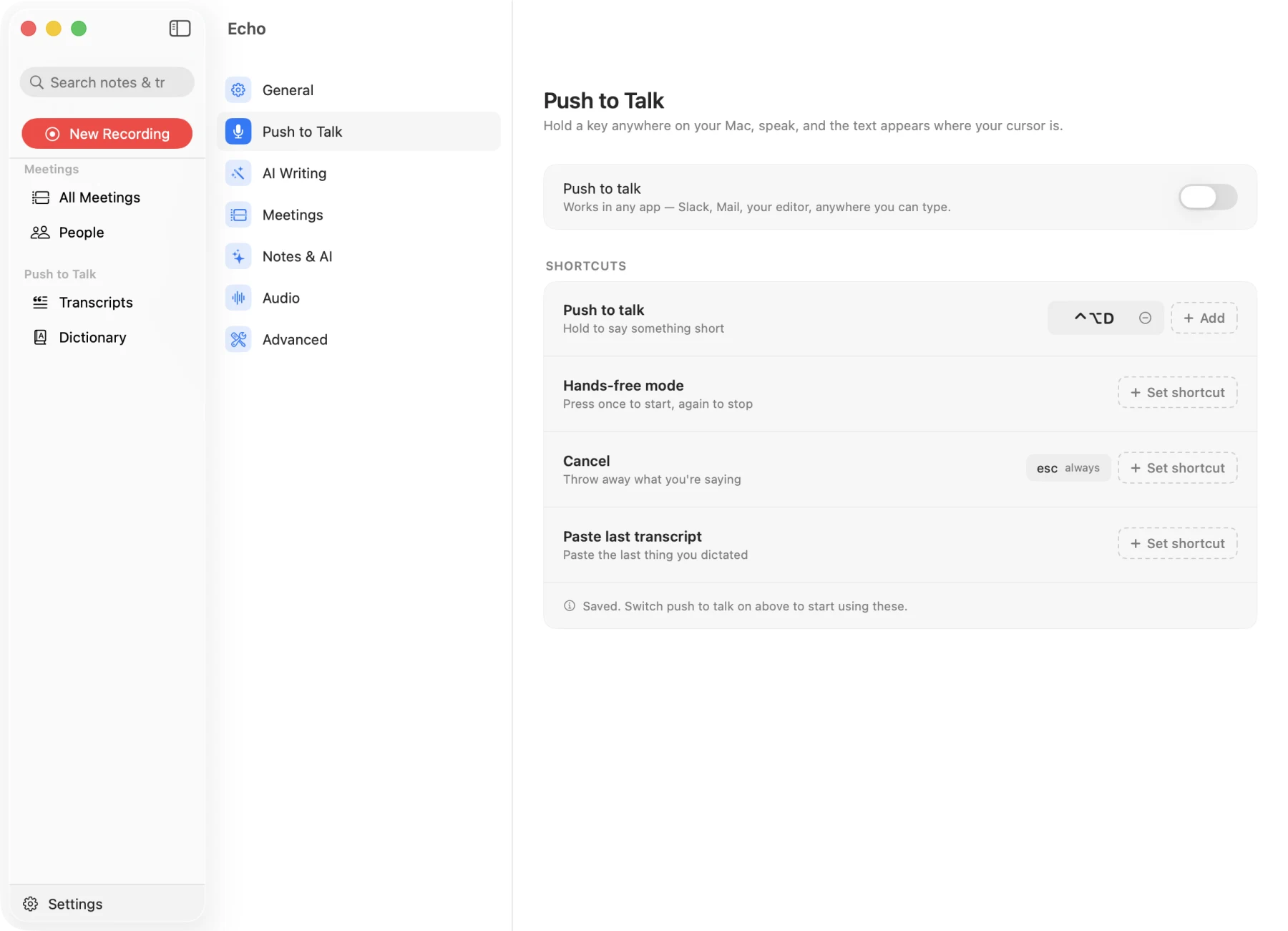
I hold a key anywhere on the Mac, speak, and release. The text appears in the active text box. The speech model stays loaded in memory, so the first use of the day is also fast.
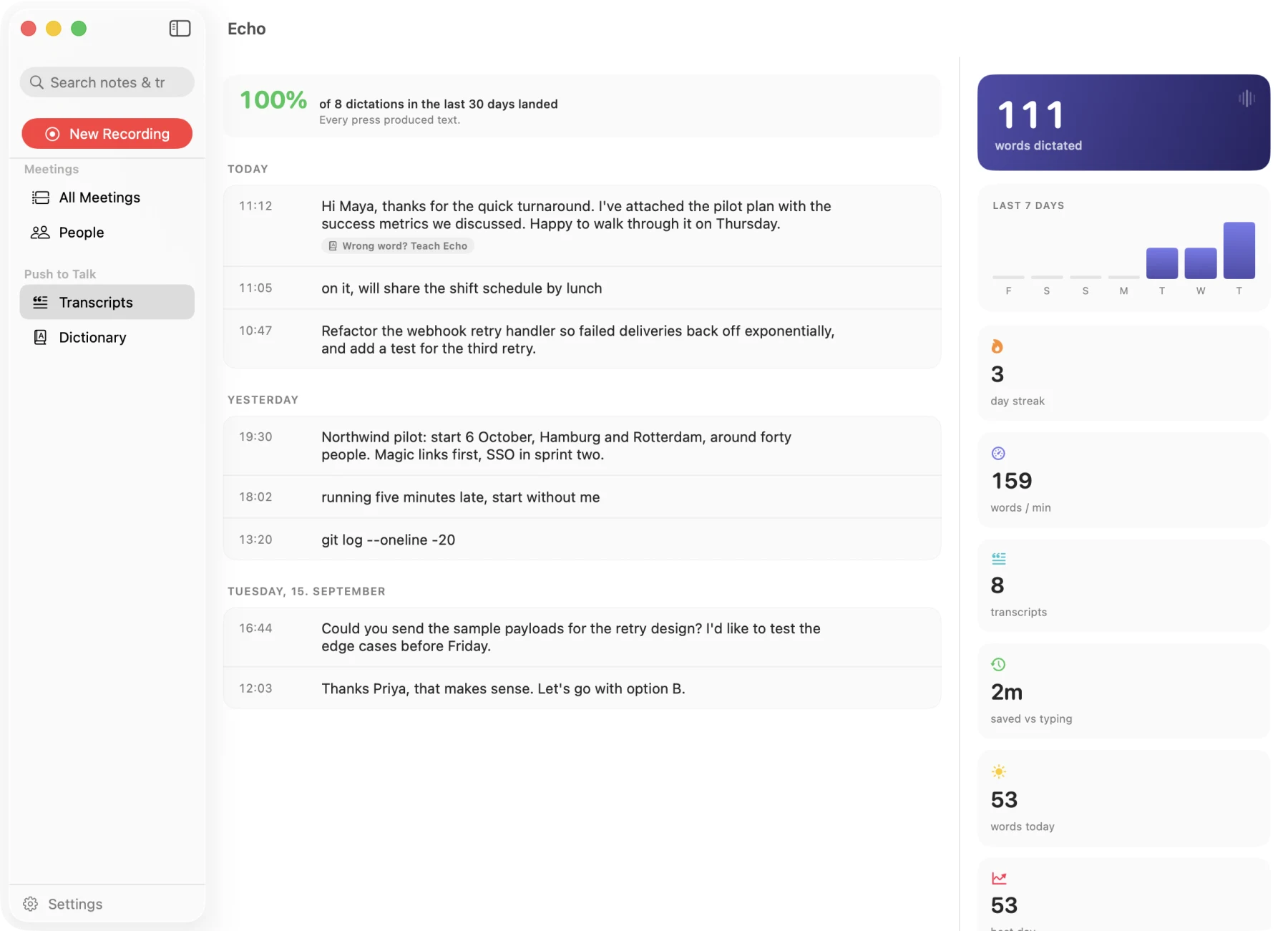
Echo saves the result of every key press and shows the success rate at the top, so I know I can rely on it.
A dictionary that learns
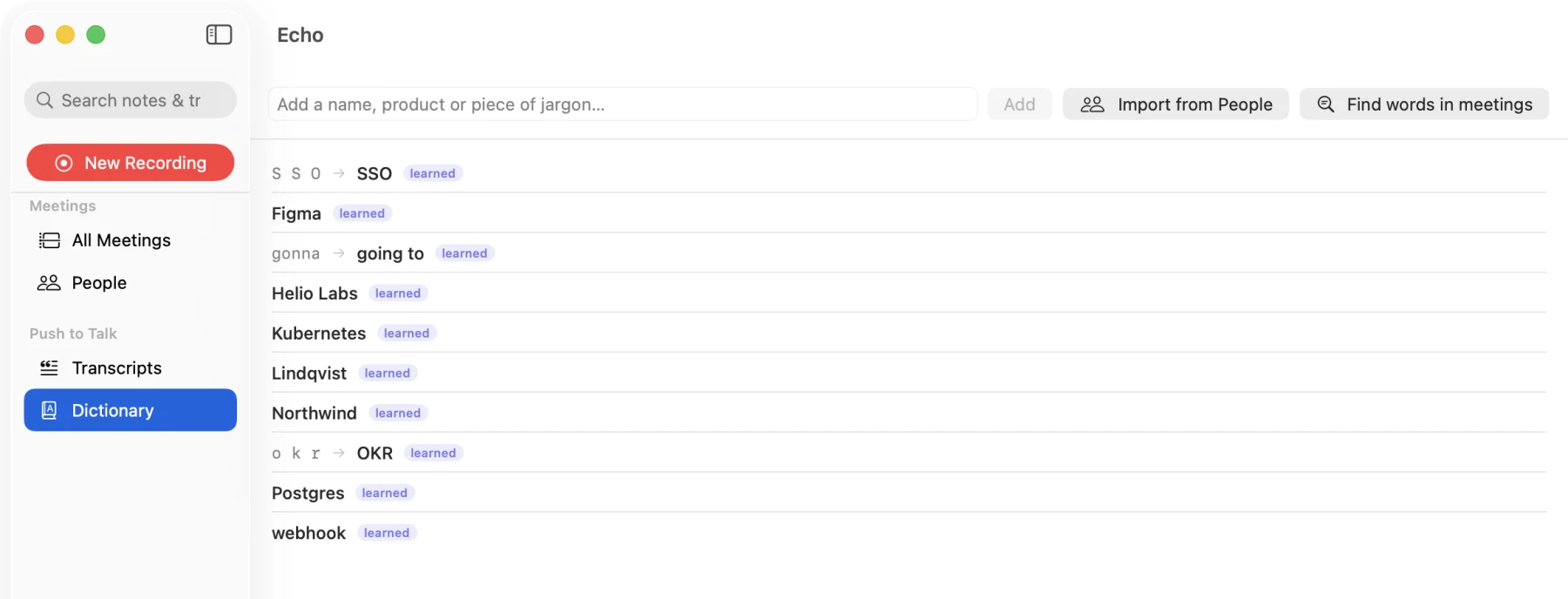
Speech to text often gets names and work terms wrong. Echo has a personal dictionary with the correct spellings and some replacement rules. It adds new words when it hears me correct myself. I can also teach it a word from the history screen.
It writes differently for each app
Echo checks which app I am typing in and puts it in a group: messaging, work chat, email, document, AI prompt, code or terminal. Each group has its own level of clean-up. An email gets full sentences. A chat message stays casual. A terminal command is not changed. If I say “Indian food, no sorry, Chinese food”, it keeps only “Chinese food”.
The Hinglish problem#
I am Indian, and on many calls with South Asian colleagues we switch between Hindi and English in the same sentence. Normal speech to text tools cannot handle this. This was the hardest part of the app, and I tried many things.
| What I tried | What happened |
|---|---|
| The fast model on the Mac | It only knows English. With Hindi it gives random English words. |
| The big accurate model | It understood the Hindi but wrote it in Devanagari script. I cannot paste that in an English email. When I forced English, it translated the sentence, which I did not want. |
| My own converter from Devanagari to English letters | The output was clearly worse than a proper service. This is a language problem, not a simple find and replace. |
| A local model trained for Hinglish | It gave no text at all on my real recordings. It is trained to ignore noisy audio, and a laptop microphone is noisy for it. |
| A cloud service that looked 5 times cheaper | That price was only for English. For mixed languages the price was the same as the others, and it also wrote Devanagari. |
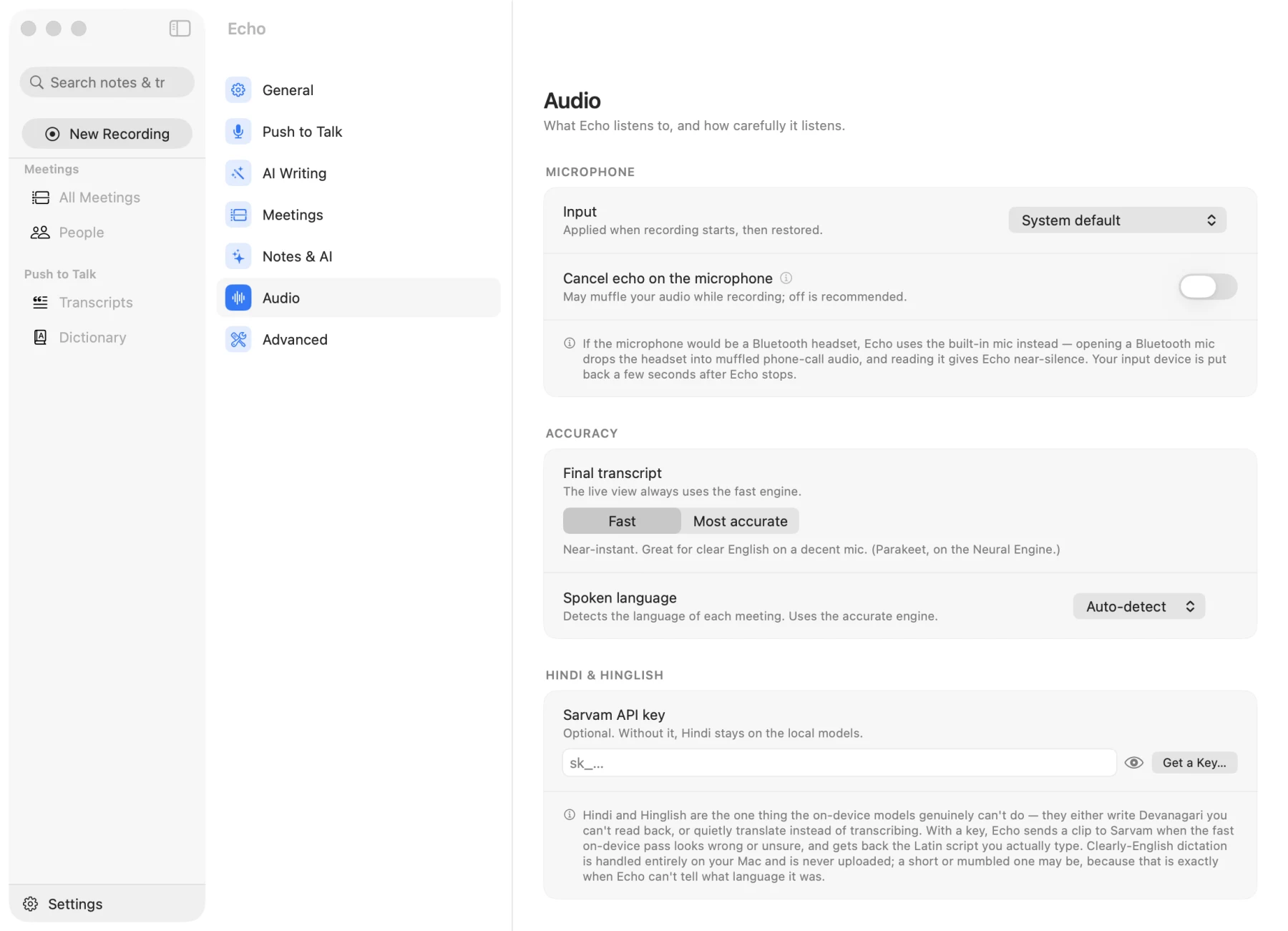
What I learned is that I was checking the wrong thing. I was comparing models by accuracy. What I really needed was the right script, which is Hindi written in English letters.
For now Echo uses Sarvam, an Indian speech service that can return English letters. It is used only when the result from the Mac looks wrong. Clear English never leaves the laptop. Sarvam is good enough for now. I am still looking for a reliable Hinglish model that runs on the Mac, so I can remove the cloud step.
How it is built#
- Audio: Core Audio process taps record what other apps play, together with the microphone. No extra audio driver is needed.
- Speech: two models on the Mac. Parakeet is fast and used for live text. Whisper is bigger (about 630 MB) and more accurate.
- Storage: SQLite, with search across all notes and transcripts, and a daily backup.
- Summaries: a small open model running locally with Ollama. A cloud model is optional.
- Sync: optional, to Google Drive. Only notes and transcripts, never audio.
- Testing: 526 automated tests. The app can also run from the terminal to transcribe a file or run self-tests.
Status#
I use Echo every day, and I have stopped using Granola and Wispr Flow.
I always ask for consent before I record people. Inside our company it is understood that people record meetings, so that is fine.
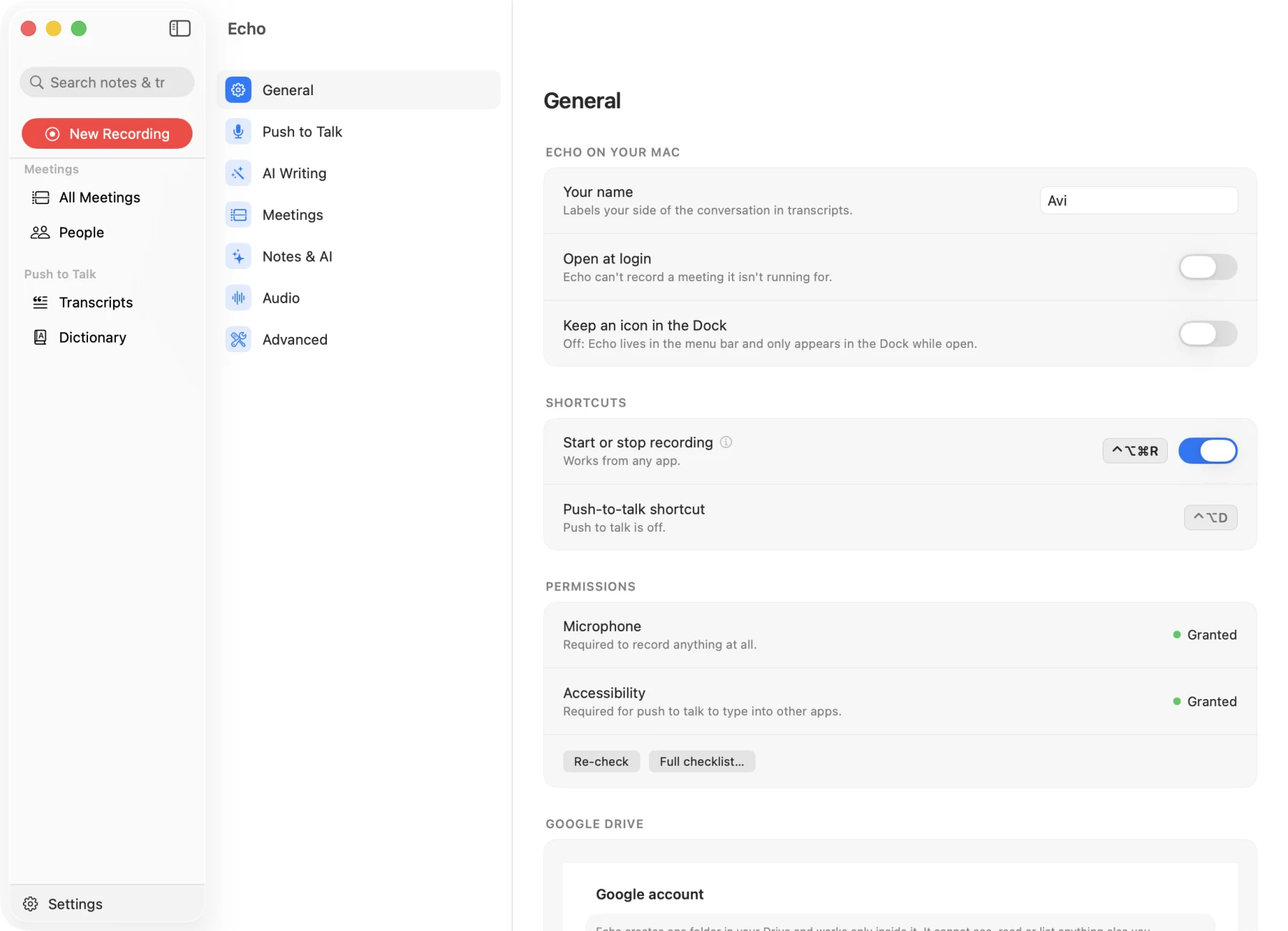
The meetings, people, companies and dictations in these screenshots are made up. I ran Echo with an empty test folder for this page, so none of my real calls are shown.